

4. Generate an API Token
The API token is required to authenticate requests made from your backend to Novasend APIs.
Environments (Sandbox vs Production)
| Environment | Base URL |
|---|---|
| Sandbox | https://sandbox.novasend.app/ — use sandboxScenario on POST payloads |
| Production | https://business.novasend.app/ — real operations |
Sandbox scenarios accept completed, failed, and pending.
You can switch between Sandbox (Test) and Production (Live) environments. Each environment is strictly isolated:
- API Keys, Webhooks, Transactions, and Reports are distinct for each environment.
- Nothing is transferred from one environment to another.
- This allows you to develop and test safely in Sandbox before moving to Production.
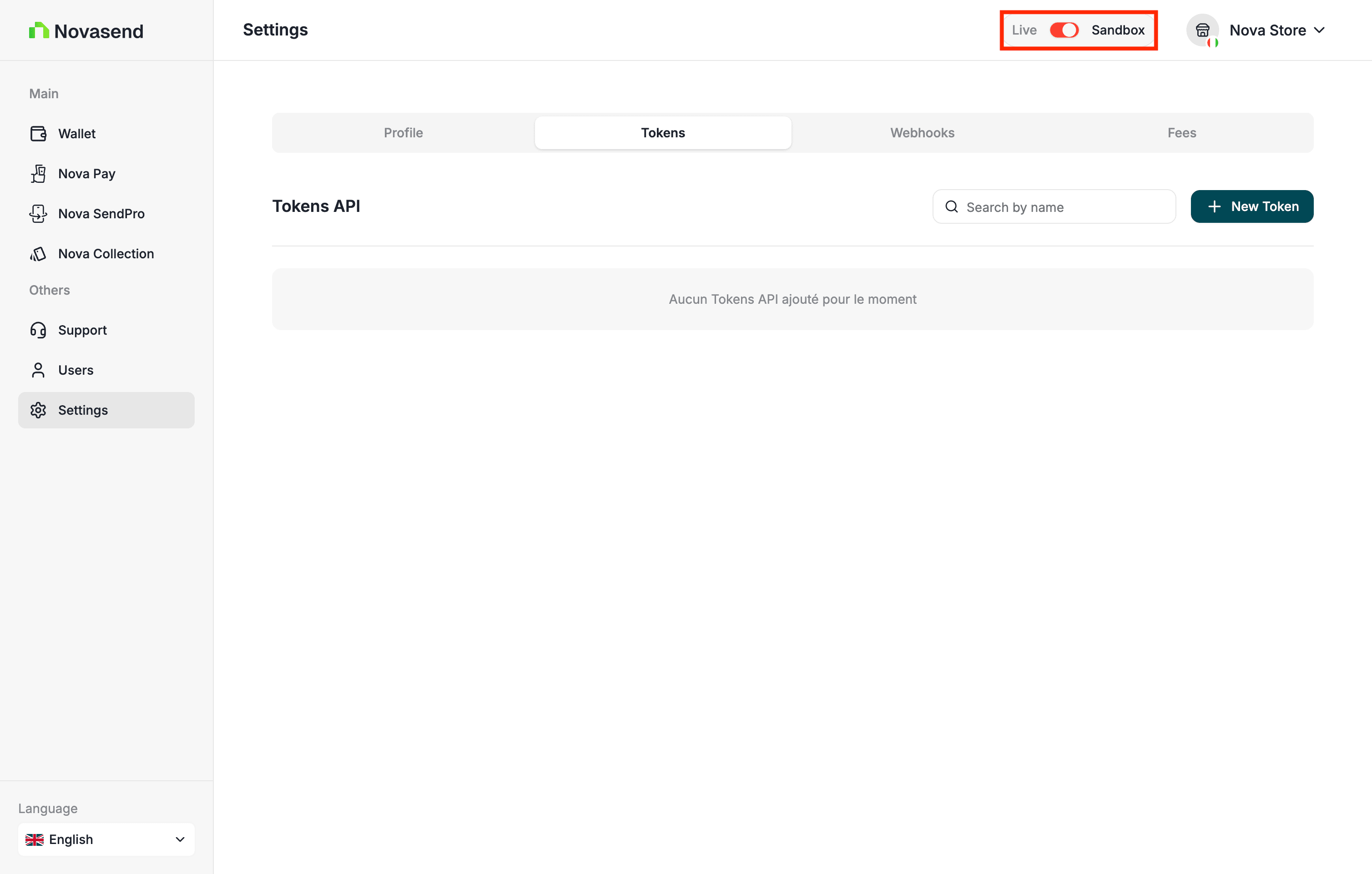
Important: Sandbox uses fictitious funds. Payments, transfers, and deposits are simulated and never move real money.
How to create an API Token ?
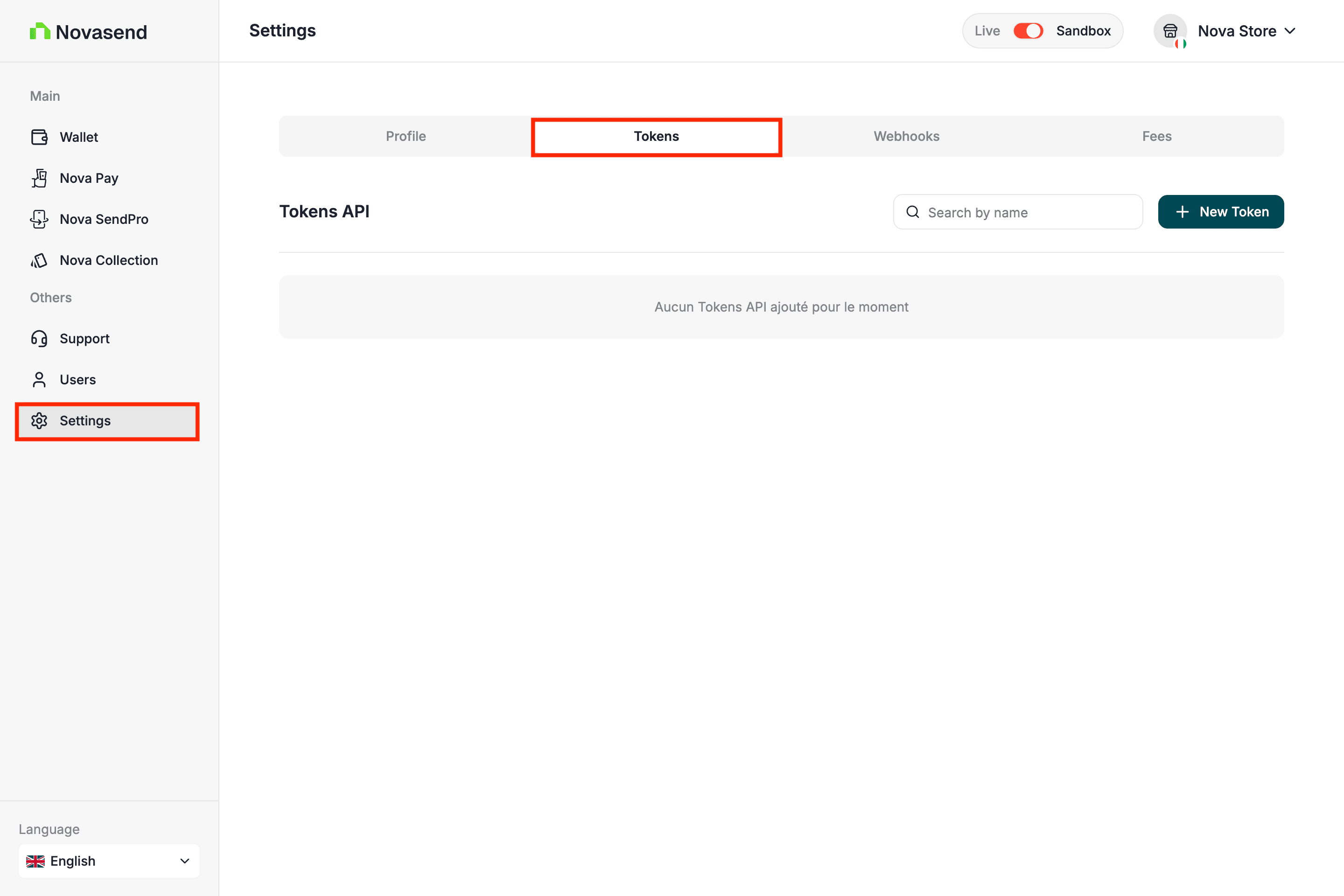
- Go to Settings in the sidebar
- Open the Token tab
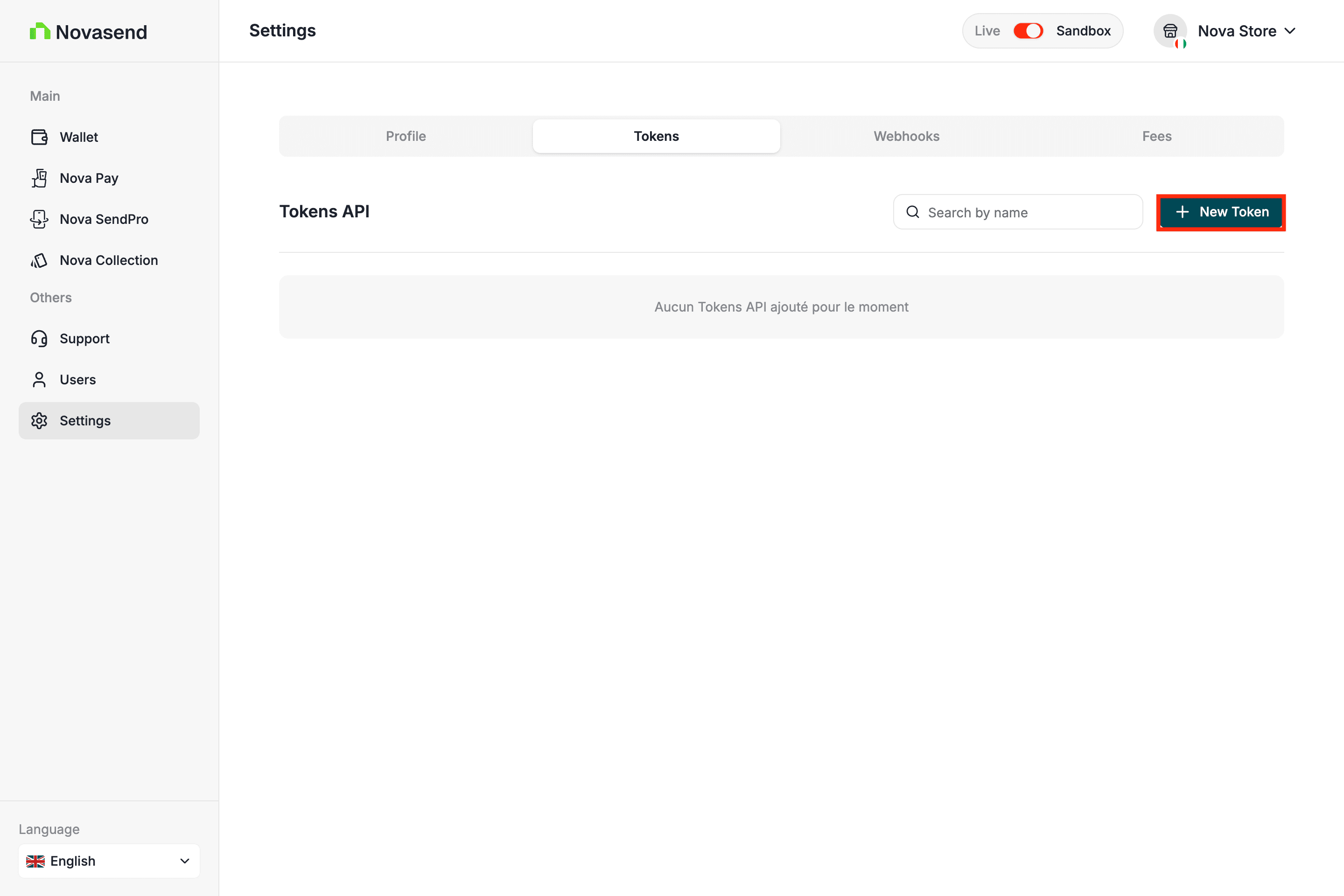
- Click on New Token button
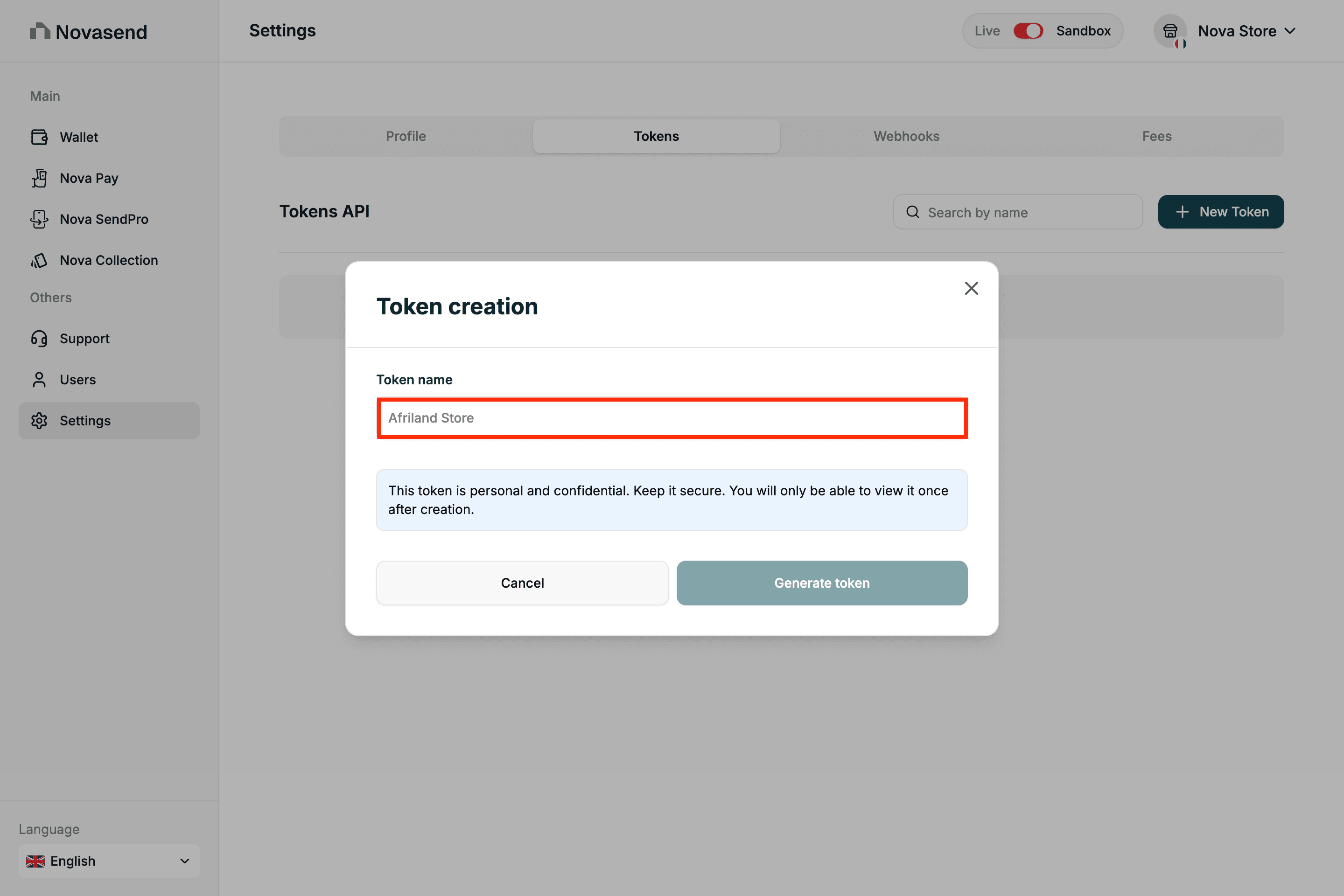
- Enter the Token name
- Copy and store the API Key and Secret Key securely
Attention: Store your tokens securely, do not expose them in frontend code, and regenerate them if compromised.