Webhook
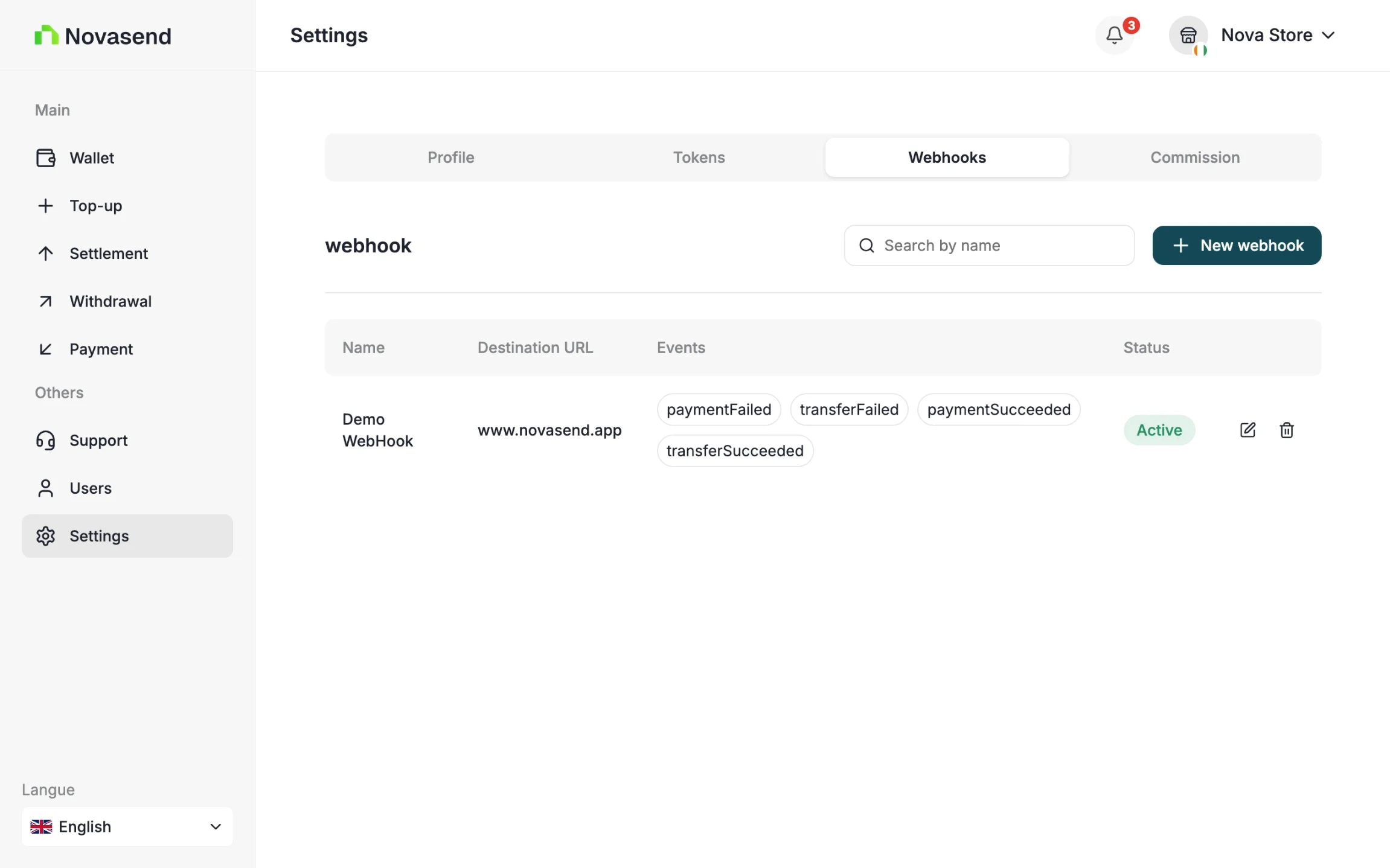
You can manage your webhooks by going to settings and the Webhook tab. You can create, view, and delete your webhooks.
Security and Verification
To ensure that the transaction events received by your system are authentic, you must verify the HMAC signature.
- At creation: You provide a Secret Key. This key is stored securely and is used to sign notifications.
- At delivery: For each notification, Novasend generates an HMAC Signature from your secret key and includes it in the request headers.
- On your server:
- Retrieve the signature from the headers.
- Calculate your own HMAC signature using the Secret Key saved during creation.
- Compare your generated signature with the one received in the header.
- If they match, the transaction is validated.
GOOD TO KNOW
The Webhook Secret is different from your API Key (Secret API). The secret is unique to each webhook and can be found in its configuration within the Business portal settings.
Each notification is signed by the API using the webhook secret:
X-Signature-Value: HMAC_SHA256(body, secret)On the merchant side, you must recalculate this signature to verify the message integrity:
const crypto = require("crypto");

const signature = crypto
  .createHmac("sha256", secret)
  .update(JSON.stringify(body))
  .digest("hex");

if (signature !== headers["x-signature-value"]) {
  throw new Error("Invalid signature");
}
Response
{
  "id": "tr_bbodj27lqhckrc7yomyjlo",
  "fees": 0,
  "type": "payin",
  "amount": 306,
  "status": "processing",
  "failure": null,
  "currency": "XOF",
  "customer": {
      "name": "Souleymane Diomande",
      "phoneNumber": "+2250153013761"
  },
  "createdAt": "2026-02-02T09:11:14.793Z",
  "reference": "TRX-69806a329d1b9",
  "paymentUrl": "https:\/\/pay.wave.com\/c\/cos-22rs5qhyr2ej6?a=306&c=XOF&m=NOVASEND%20CI%20%2A%20Conn",
  "chargedAmount": 306,
  "confirmationStatus": "none",
  "confirmationRequired": false

}
- Response Fields Description
| Field | Description |
|---|---|
| id | Unique identifier of the transaction. |
| fees | Fees applied to the transaction (in XOF). |
| type | Transaction type — here payin (incoming payment). |
| amount | Initial transaction amount requested (in XOF). |
| status | Current transaction status (processing, success, failed, etc.). |
| failure | Error details if the transaction failed, otherwise null. |
| currency | Currency of the transaction (ISO code), here XOF. |
| createdAt | ISO timestamp indicating when the transaction was created. |
| reference | Merchant-defined unique reference for the transaction. |
| paymentUrl | Web or deep link allowing the customer to complete the payment. If the provider is Wave, this URL redirects to Wave’s payment interface. |
| chargedAmount | Final amount charged to the customer (in XOF). |
| confirmationStatus | Status of beneficiary confirmation (none, pending, accepted, declined). |
| confirmationRequired | Indicates whether beneficiary confirmation is required before processing the transaction. |
- Customer
| Field | Description |
|---|---|
| customer.name | Full name of the customer making the payment. |
| customer.phoneNumber | Customer phone number in E.164 format. |
Obligation
- Verify the HMAC signature before processing the data.
- Use a dedicated and secure endpoint (HTTPS required).
- Handle replayability (idempotence) for each webhook via the
eventIdfield (optional). - Set up a queue or asynchronous processing on the merchant side to avoid blocking.